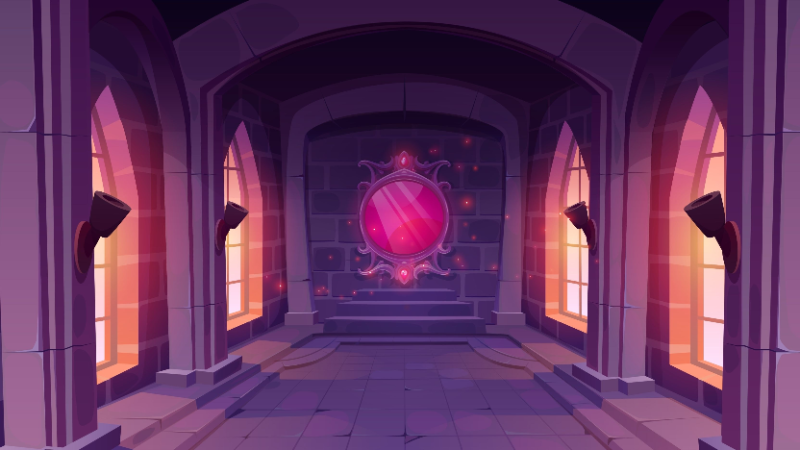
The Mirror Mirror is a special Easter Egg in Mage Arena that mimics the Magic Mirror on the wall from popular fairy tale stories. Players can interact with this object and ask various questions without receiving any in-game bonuses or rewards. While it doesn't provide any sound effects, it still provides interesting interactions for Mages. This guide will show players how to use the Mage Arena Mirror Mirror.
What Does the Mage Arena Magic Mirror Do
The Mirror Mirror is an interactive object in Mage Arena that provides players with different answers whenever someone asks a question. However, using the Magic Mirror does not provide any in-game benefits, which means you don't get any rewards or bonuses for asking questions. The Mage Arena patch notes don't indicate any changes or function for this item, so it will likely remain a decoration in your base. It's simply an Easter Egg that references its namesake in Snow White and the Seven Dwarves.
📌 Note: Using Mage Arena Spells on it doesn't create any notable effects.
How to Use the Mage Arena Mirror Mirror
You can use the Magic Mirror by triggering it by speaking the phrase Mirror, Mirror into your mic while using the right spellbook. Once the object replies with a Yes?, you can then ask your question. However, if the mirror doesn't respond, it's likely not registering your voice. Ensure that your mic is set to the default communication device or reset your voice settings in-game.
📌 Note: You can find the Magic Mirror in the team base in either 4v4 mode or 1v1 mode. It's easy to spot since it's a wall-mounted object.
Essentially, the Magic Mirror is just an Easter Egg object that doesn't provide any in-game benefits. However, there are still other interesting craftable recipes in Mage Arena that you can look into and use within the game.