
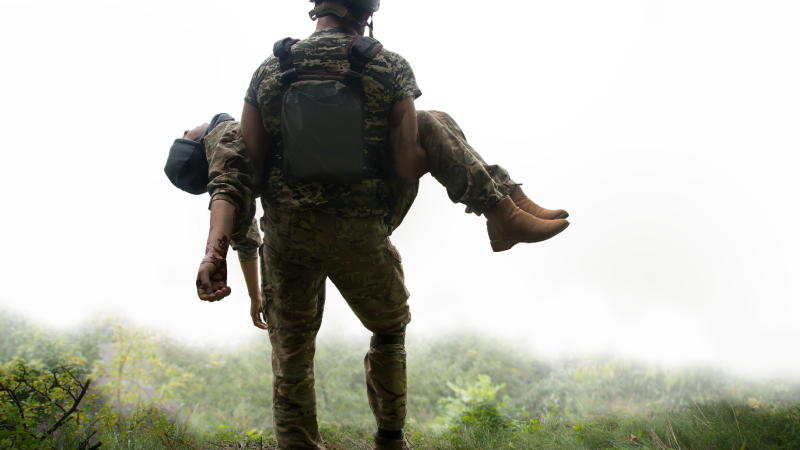
Battlefield 6 encourages teamwork when playing matches. Players need to cooperate to complete objectives. Healing is crucial to winning the game. Having a team that has your back when you’re down can make or break the match. To help you out, here’s an in-depth guide on healing in Battlefield 6. Instead of spending dozens of hours unlocking the best healing gear, professional Battlefield 6 Boosting can get you fully equipped and ready to save your squad.
How Does Healing Work in Battlefield 6
Any player can heal a teammate. They can revive their teammate by interacting with them on the ground. You can use any Healing Gadget to help a downed teammate.
If you want to be fast and efficient in healing, taking the Support Class and using its Combat Medic path is your best choice.
How to Heal Teammates in Battlefield 6
Here’s a step-by-step guide on how to heal teammates in Battlefield 6.
Step 1: Equip Healing Gear
Before starting the game, equip the Support Class or make sure you have healing gadgets, such as a Supply Bag or a Defibrillator.
Step 2: Watch Out for Teammate Status
While in the match, look out for teammates who have lost health or a chunk of their health bar. They may even call out for help.
Step 3: Use a Healing Gadget
Approach and interact with your teammate by pressing the X key on PC or the Up button on the D-Pad for PlayStation and Xbox.
Step 4: Wait for the Healing to Take Effect
Stay near your teammate to see if the healing has taken effect. Teammates will regain health while they are in the Supply Bag’s Radius.
How to Revive Teammates in Battlefield 6
Reviving teammates is a little different from healing. You’ll still need to approach your teammates and interact with them to revive them. Use the E key on PC, Square Button on PlayStation, or X Button on Xbox to start the revival process.
It’s best to use a Defibrillator to speed up the revival. If you fully charge the Defibrillator, you give your teammates more health when they stand.
Boost Teammates' Healing with Abilities in Battlefield 6
If you want your team to stay alive longer, consider using the Restock Allies or similar abilities to increase the healing rate and radius when you’re deploying healing gadgets.
It guarantees your team longer survivability. You need to press the Q key or the Mouse wheel on PC, R1+L1 on PlayStation, or RB + RL on Xbox to activate the ability.
All Healing Gadgets and Abilities in Battlefield 6
Now that you’re familiar with how to heal teammates, it’s also good to know which Healing Gadgets to use in different situations. To help you out, here are all the Healing Gadgets in Battlefield 6 and their stats.
|
Gadget/Ability |
Who Can Use |
Heals HP |
Revives |
Best Used For |
|---|---|---|---|---|
|
Supply Bag (Gadget) |
Support |
Yes |
No |
Fast, area-based healing |
|
Restock Allies (Ability) |
Support |
Yes |
No |
Boosted healing and resupply |
|
Defibrillator (Gadget) |
Support |
No |
Yes |
Quick revive with full health |
|
Passive Regeneration (Ability) |
All |
Yes |
No |
Recovering health out of combat |
|
Revive ( Ability) |
All |
No |
Yes |
Slower revival with partial health |


